 Blog
Blog
Sending a photo from the gallery straight to Ring Reader
The Ring Reader app runs in the browser, and it can still sit on the home screen like any other app. As soon as it is installed there, it appears in the phone’s share menu, and a photo from the gallery or from the camera app goes with “Share” and a tap on the Ring Reader icon straight to the capture page, where it is scored. On Android that works through the banner or the Chrome menu, on the iPhone through the share button in Safari and “Add to Home Screen”.
Why install
The installed app starts faster, runs full screen without the browser bar, sits as an icon on the home screen and keeps app and data permanently on the device, so it starts reliably without a connection too. On the iPhone it is required for push notifications, which are sent for example when your rank changes in a challenge. And the app appears in the share menu.
Android
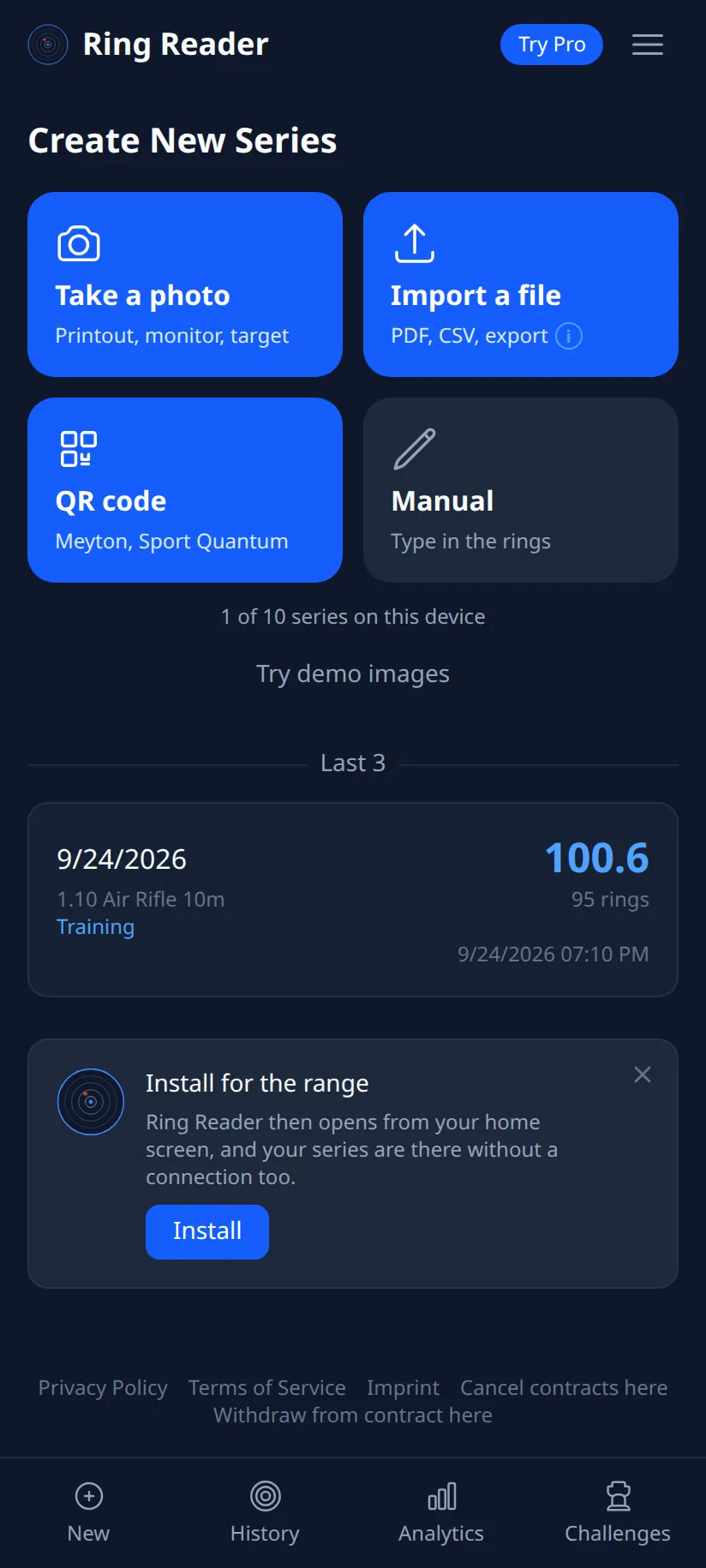
After the first scan the capture page shows a banner with “Add to home screen”, and “Install” does the rest. Without the banner you open the Chrome menu with the three dots and pick “Add to Home screen” there.
iPhone and iPad
Open ringreader.app in Safari, tap the share button, the square with the arrow, and pick “Add to Home Screen”. On the iPhone the app shows a hint banner that walks through these steps.
Sending the photo
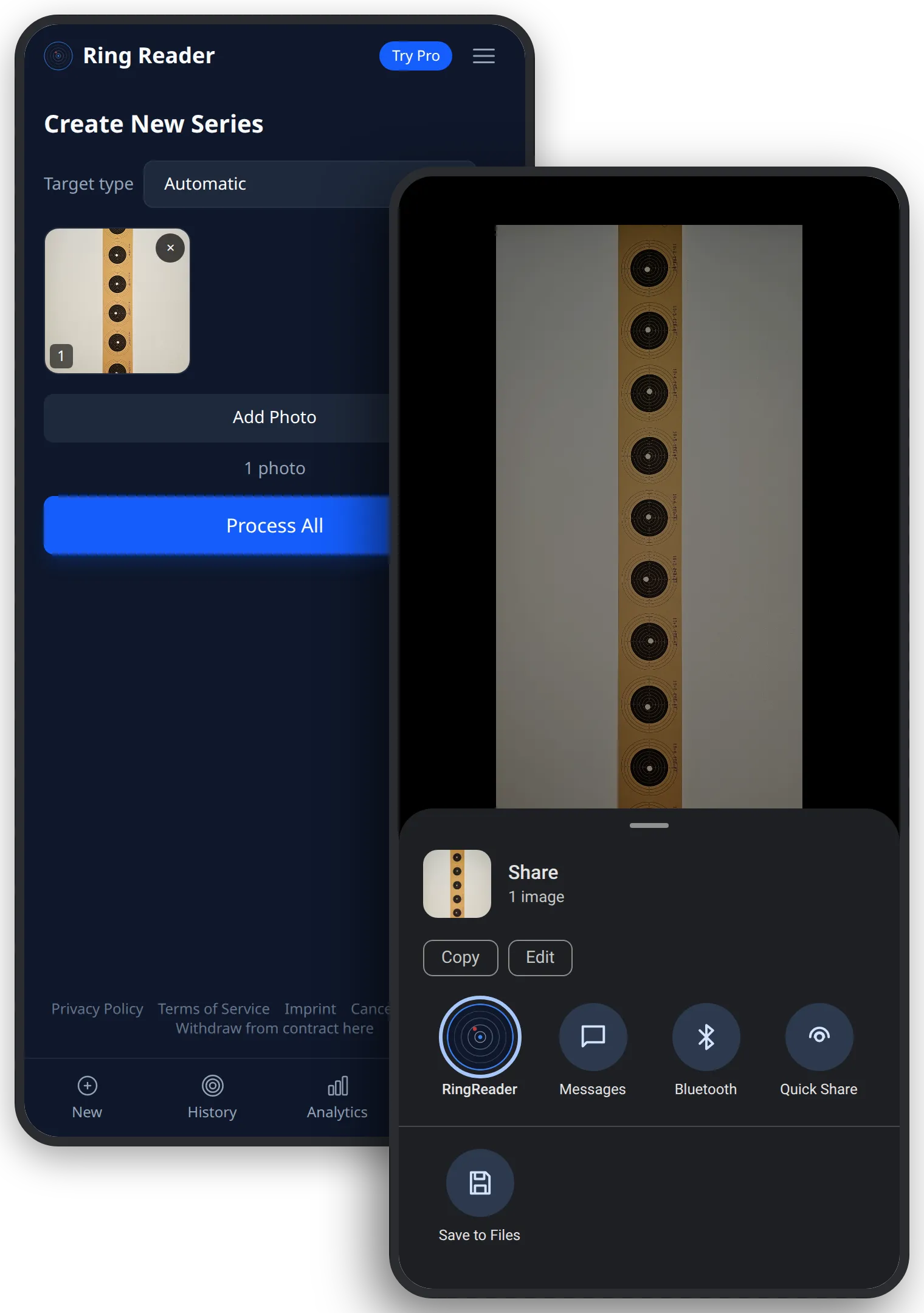
Open the photo of the strip in the gallery, tap “Share” and then Ring Reader. The app opens with the photo on the capture page, and the scoring runs as after “Add Photo”. That works with photos someone sent you by messenger too, as long as the messenger passes them on in original quality. A photo of the range screen or of the printout takes the same route, the app recognizes on receipt what is on it.
Whoever photographs the targets with the camera app, because it has more settings, sends the pictures afterwards from the gallery. With paper targets the order of selection sets the order of the series.
Frequently asked questions
Do I have to get the app from a store?
No. Ring Reader is a web app, the installation comes from the browser and needs no store.
Why is Ring Reader missing from the share menu?
Because the app is not installed on the home screen yet. After the installation it appears there.
Does that work on the desktop too?
On the desktop the app runs in the browser without installation. Whoever wants to install it anyway clicks the install icon in the address bar.
Put Ring Reader on the home screen and send the next photo from the gallery.
Try it