 Guide
Guide Manual Entry
When does manual entry make sense?
- No photo on hand — you forgot to photograph the target.
- Recording a result after the fact — you want to quickly capture an older series. For a whole history see Migrating from Another App.
How it works
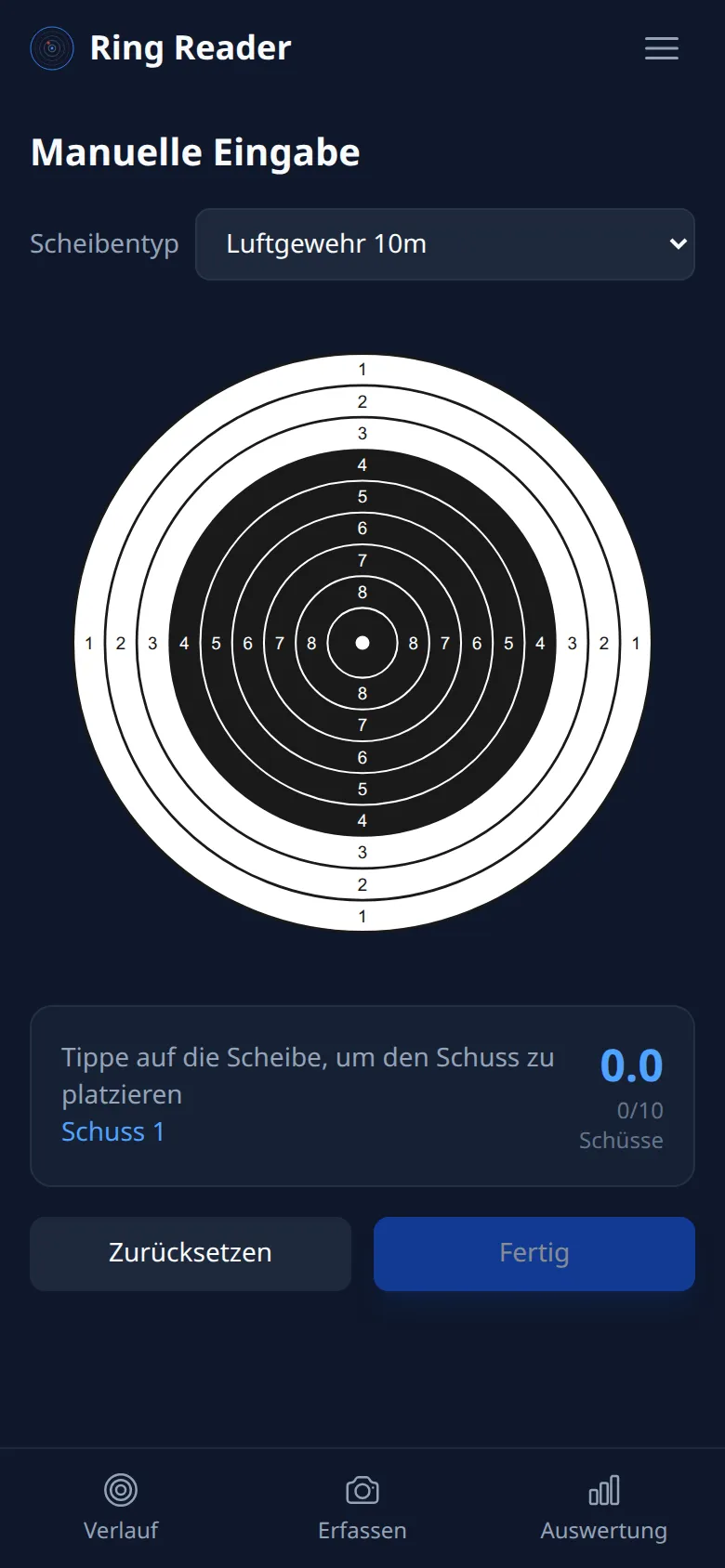
- On the Capture page, tap “Manual”.
- Choose the target type — the options are Air Rifle 10m, Air Pistol 10m, Small Bore Rifle 50m, and Pistol 50m. (Supported/rested (Auflage) shooters simply pick air rifle or air pistol — the target is identical.)
- Tap the target to place the current shot. You can then drag it into place before setting the next shot.
- Repeat for all 10 shots.
- Tap “Finish” — the result is saved.
For precise positioning, you can pinch to zoom into the target with two fingers.
When a shot is selected, a card at the bottom shows the current ring and Teiler.
Correcting a shot
- Tap the shot number to select a shot you’ve already placed.
- Then drag it to its new position on the target.
- The ring score updates immediately.
Reset
- The “Reset” button clears all placed shots — you start over from the beginning.
Manual entry is also great for practice — place shots and watch how the ring score changes. The Teiler calculator works the other way round: enter a Teiler, read off the decimal score and ring.